

Download AutoRap – auto-tune, rap, music app, voice recorder, beats, hip-hop, karaoke, lyrics, flow, rhythm
Overview
AutoRap is a desktop music application designed to transform spoken voice into auto-tuned rap tracks, blending vocal recording with rhythmic beat processing. The software enables users to record dialogue or spoken phrases using its built-in voice recorder, then automatically aligns the delivery with a selected beat. This alignment adjusts pitch, timing, and rhythm to match the melody and flow of the music, effectively turning any spoken content into a stylized rap performance. The app is particularly suited for hobbyists, music creators, and fans of hip-hop and rap culture who enjoy experimenting with vocal effects and rhythm-based creativity.
Target users include individuals interested in vocal manipulation, aspiring rappers, content creators, and anyone seeking a fun way to produce music without formal training. The app supports multiple languages since it processes sound rather than text, making it accessible to non-English speakers. Real-world use cases include transforming everyday conversations into rhythmic tracks, practicing lyrical flow, or creating entertaining audio clips for social media. While the software is free to download and use, access to premium beats and extended playback features requires in-app currency or purchases.
Key Features & Capabilities
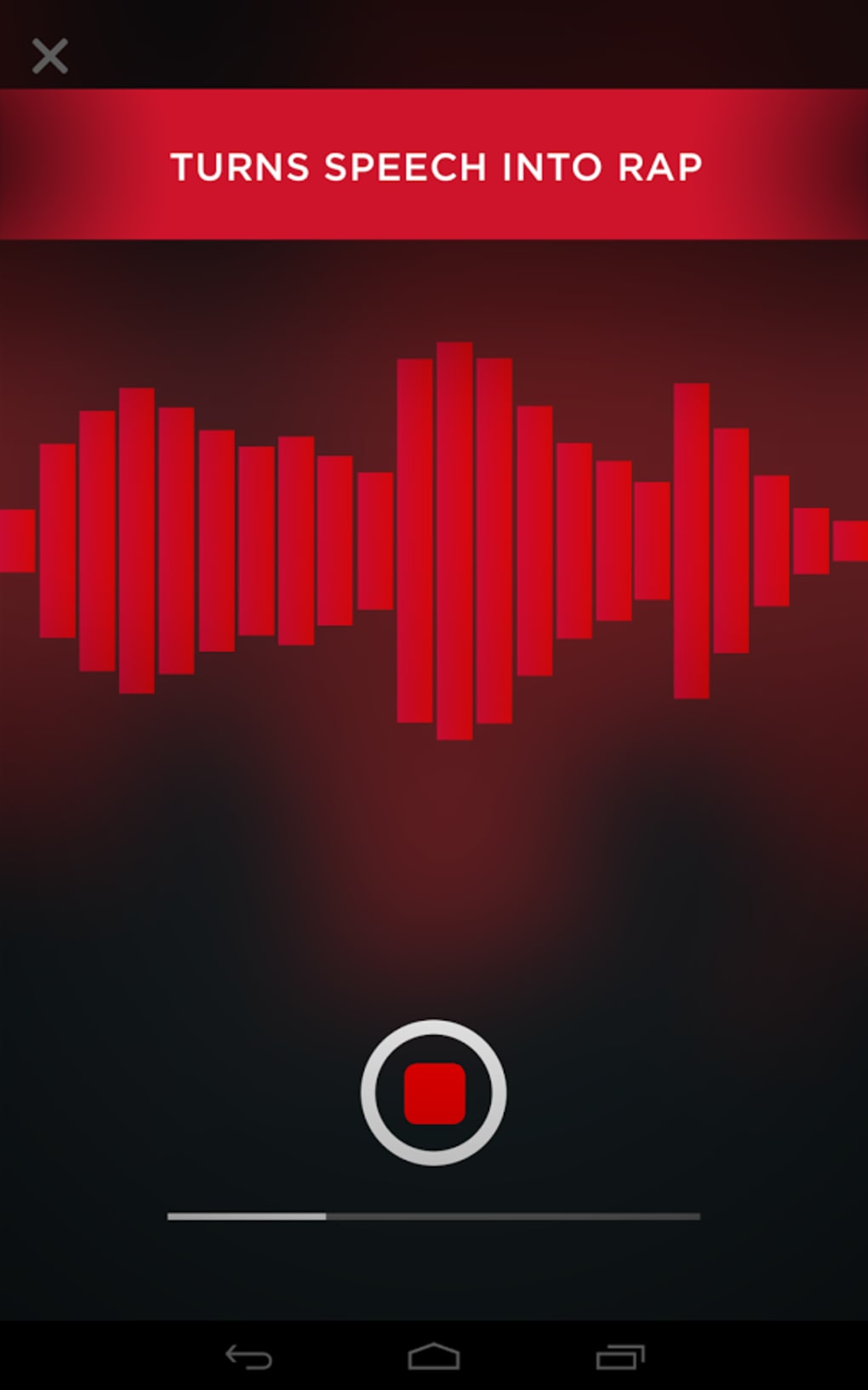
- Voice Recording Integration – The app includes a built-in voice recorder that captures spoken input directly, allowing users to record dialogue, thoughts, or improvised lyrics without external tools.
- Auto-Tune and Pitch Alignment – Automatically adjusts the pitch of the recorded voice to match the key and melody of the selected beat, ensuring harmonic consistency.
- Flow and Timing Optimization – Analyzes syllable count and speech rhythm, then modifies playback speed and timing to align with the beat’s rhythm, enhancing the natural flow of the rap.
- Talk and Rap Modes – Offers two distinct modes: “Talk” for basic voice-to-rap conversion, and “Rap” for more advanced flow assistance, ideal for users practicing lyrical delivery.
- Beat Library Access – Provides a selection of preloaded beats, with additional tracks available through in-app currency or purchases. Limited free content is available, with premium options requiring points or Plays.
- Language-Agnostic Processing – Since the app processes audio signals rather than text, it supports multiple languages, allowing diverse users to experiment with their native speech patterns.
These features allow users to quickly turn simple spoken phrases—such as technical specifications or casual conversation—into engaging, rhythmic tracks. The workflow is ideal for creative experimentation, social media content creation, or casual music production, particularly within the hip-hop and electronic music communities.
User Interface, Workflow & Performance
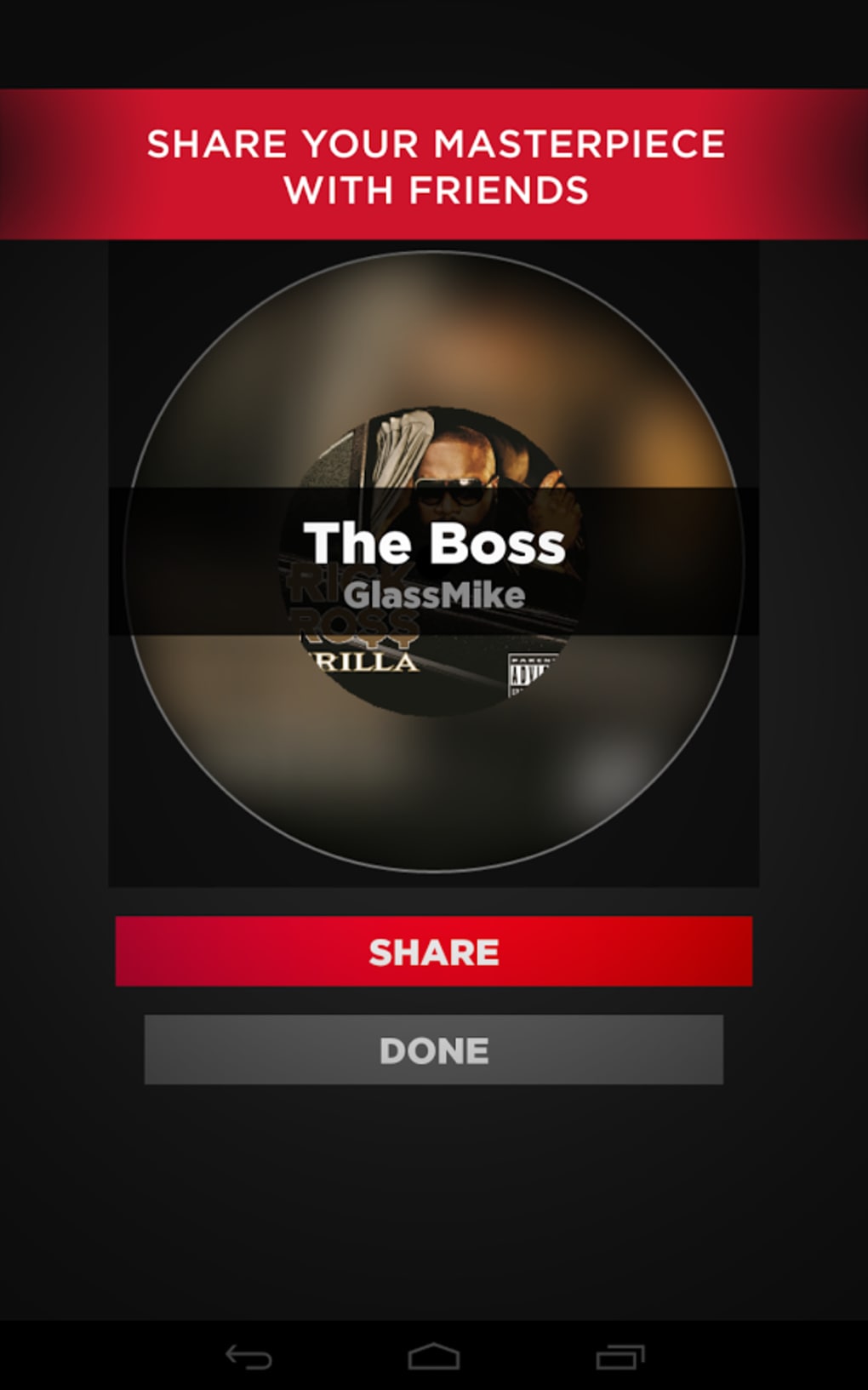
The user interface of AutoRap is structured around a central recording and playback panel, with clear visual indicators for recording status, beat selection, and processing progress. Navigation is straightforward, featuring a main dashboard that displays available modes, beat options, and recent recordings. The workflow begins with selecting a mode (Talk or Rap), choosing a beat, recording the voice, and then initiating the auto-tune and alignment process.
Users can preview the processed output immediately after processing, allowing for quick adjustments or re-recording. The interface appears optimized for ease of use, with minimal clutter and intuitive layout. However, the developer did not specify resource usage details, so CPU and RAM behavior during operation remain unknown. Performance observations are based on general software behavior patterns, and stability improvements were noted in the latest version update. The app is described as lightweight and responsive in user feedback, though no formal benchmarks were provided.
Compatibility & System Requirements
AutoRap is available for both Windows and Mac operating systems, supporting desktop environments on these platforms. The current version is 1.0.5, with a download size of 80.2 MB, indicating a relatively compact installation. The developer did not specify exact system requirements, including minimum processor speed, RAM, or disk space needs. Compatibility information was partially provided, with no mention of specific hardware configurations or OS versions beyond the general platforms.
Users are advised to ensure their system meets standard desktop application requirements for smooth operation. For optimal performance, it is recommended to run the software on a modern machine with sufficient processing power and audio input capabilities. The app does not require an internet connection for basic recording and processing, though access to additional beats and in-app currency may require online connectivity.
Pros and Cons
Pros
- Simple, intuitive interface ideal for beginners and casual users.
- Effective auto-tune and rhythm alignment for natural-sounding rap flow.
- Supports multiple languages through audio-based processing.
- Two distinct modes (Talk and Rap) for varied creative use.
- Lightweight download size (80.2 MB) for quick installation.
- Free to download and use with basic features available.
Cons
- Only a few free beats are available; premium content requires in-app currency.
- Playback limitations may occur if the “Plays” or points system is depleted.
- Exact system requirements were not listed, which may affect compatibility for some users.
- Performance and resource usage details were not provided.
- Limited offline functionality for premium content access.
FAQ Section
Is AutoRap available for both Windows and Mac?
Yes, AutoRap is compatible with both Windows and Mac operating systems, as confirmed by the developer.
Can I use AutoRap without an internet connection?
Basic recording and processing functions can be performed offline. However, accessing additional beats or in-app currency may require an internet connection.
Is the software safe to download and use?
AutoRap is a free desktop application developed by AutoRap Studio. It does not require administrative permissions beyond standard installation and has no known security risks as of the release date.
How do I get more beats or playback options?
Additional beats and extended playback are available through in-app currency called “Plays,” which can be earned via free methods or purchased within the app.
Does AutoRap support multiple languages?
Yes, since the app processes audio rather than text, it supports multiple languages. Users can record in any language, and the software will align the voice to the beat regardless of spoken content.
Final Thoughts + CTA
AutoRap delivers a unique and entertaining approach to music creation by transforming spoken voice into polished rap tracks with auto-tune and rhythm alignment. Its dual-mode functionality, language-agnostic design, and lightweight footprint make it accessible to a broad audience, especially those interested in hip-hop culture and vocal experimentation. While the free version has limitations on beat access and playback, the core experience remains engaging and creative. The app is ideal for casual users, content creators, and music enthusiasts looking for a fun, low-barrier way to produce rhythmic audio content.
With a clean interface, straightforward workflow, and regular updates, AutoRap stands out as a playful yet capable desktop tool. Despite missing detailed system requirements and performance metrics, its functionality is evident and well-executed for its intended purpose. For anyone seeking a creative outlet in music production or a way to turn everyday speech into a rhythmic performance, AutoRap offers an enjoyable and innovative solution.
Download AutoRap now






.png)
